How to Set a Screen Time Limit on TikTok (iPhone)
TikTok ships one of the better screen time toolkits of any social app. Here's how to set it up, where it genuinely helps, and where even the good parts stop short.
TikTok actually ships one of the better screen time toolkits of any social app, and it isn't buried, you'll find it right in the app under your profile settings. Here's how to set up the daily limit and the break reminders that genuinely help, and then the honest part: where even the good parts stop short.
How to Set TikTok's Daily Screen Time Limit
- 1.
Go to your Profile
Open TikTok and tap Profile in the bottom navigation bar.
- 2.
Open Settings and Privacy
Tap the three horizontal lines in the top-right corner, then select Settings and Privacy from the menu that slides up.
- 3.
Find Time and Wellbeing
Scroll down and tap Time and Wellbeing. Then tap Screen Time, followed by Daily Screen Time.
- 4.
Set your limit
Tap Set Daily Screen Time. You can choose the same limit every day or set a custom amount per day: more lenient on weekends, stricter during the week. Pick your time and confirm.
- 5.
Set a passcode
TikTok will prompt you to set a passcode. This is what stands between you and the app once your limit is up. Choose something you won't type on autopilot.
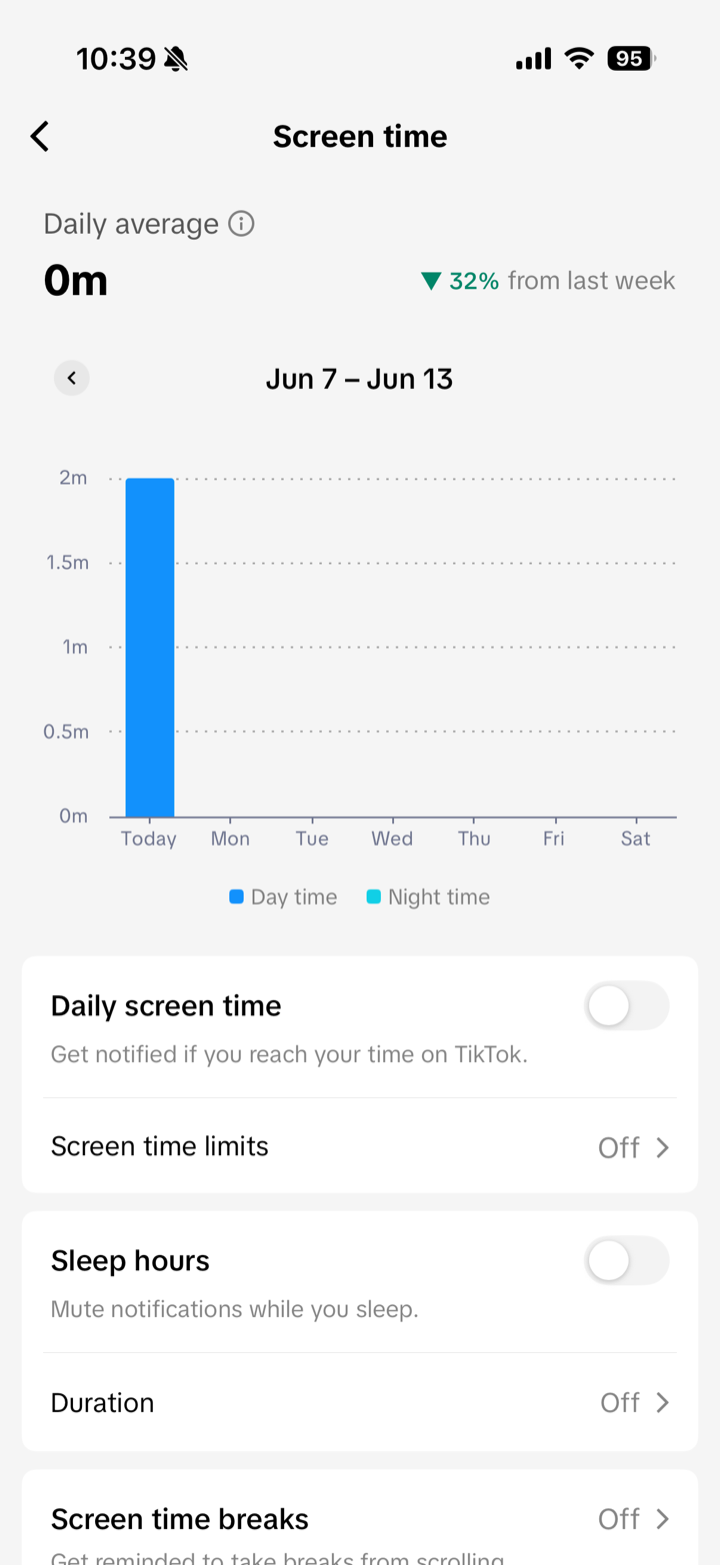
What happens when you hit the limit: TikTok shows a screen telling you your time is up, and you can either close the app or type your passcode to keep going. Type it and you're straight back in, no questions asked, and the limit resets on its own at midnight.
Where TikTok actually does better
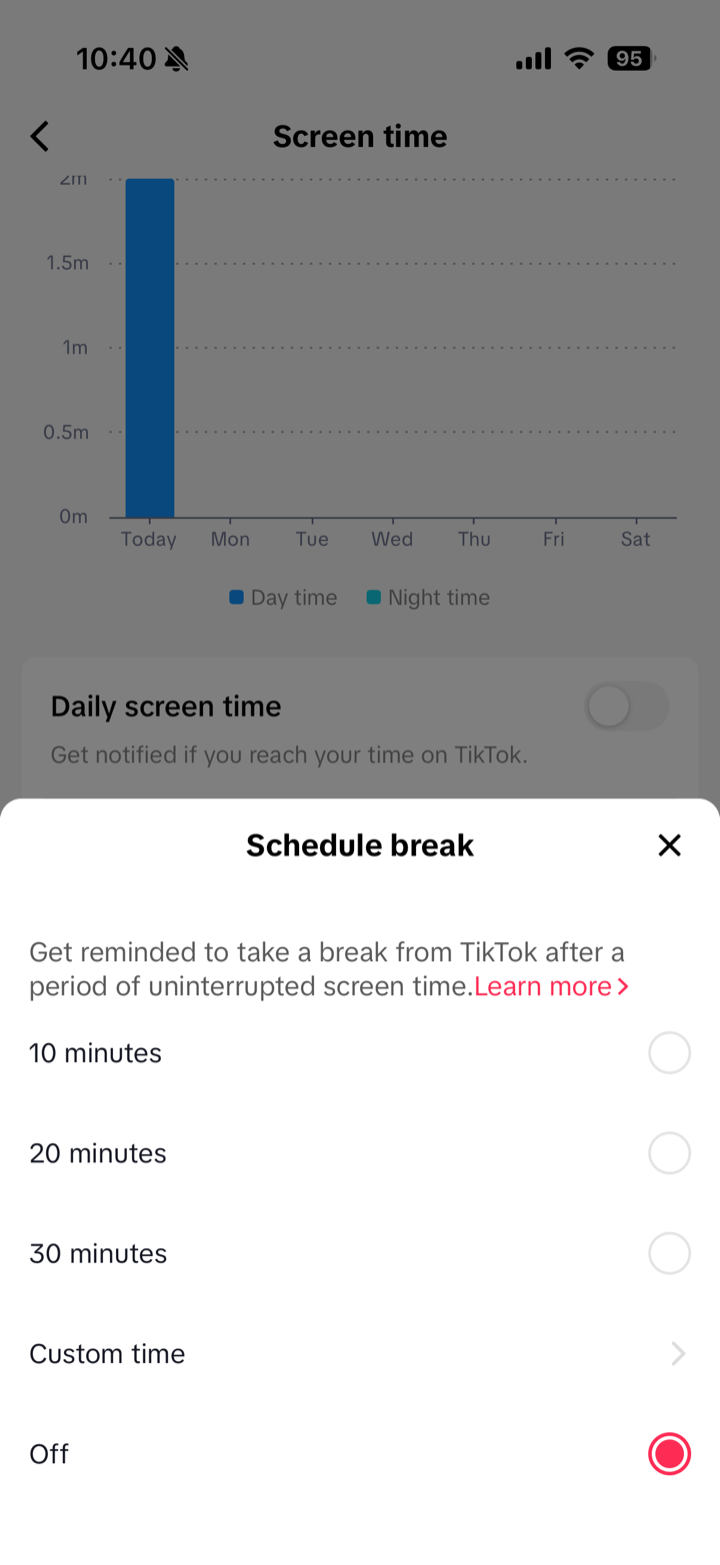
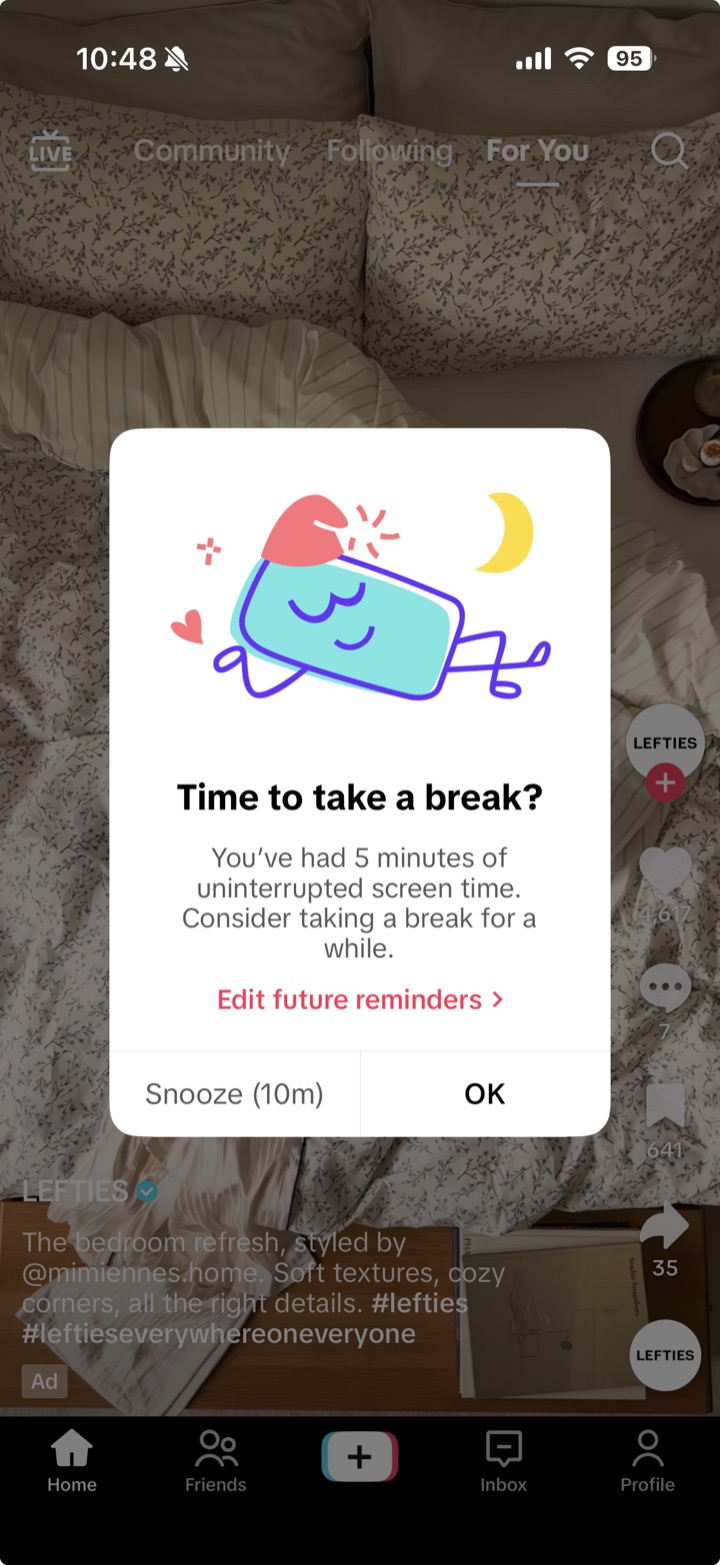
To its credit, TikTok doesn't stop at the daily cap. The same Time and Wellbeing menu holds screen time breaks, which nudge you to pause after a run of continuous scrolling, every 10, 20, or 30 minutes, or a number you choose. There's a sleep reminder that quiets notifications overnight, and a usage summary that doesn't just total your minutes but counts how often you open the app. The break reminder is the closest any of these apps gets to the right idea: a tap on the shoulder mid-session, not a verdict at the end of the day.
The Honest Part
TikTok's daily limit is cumulative. It counts every minute you spend across the day, fires once when you reach the total, and then it's done until midnight. It has no sense of your sessions either, so one long sitting and twenty restless reopenings look identical to it: the same running tally, the same single reaction right at the end.
TikTok does put a passcode in front of you, but it's one you set yourself, and that's the deeper catch with any hard wall: the version of you that put it up at noon isn't the version that meets it at 11pm, when the algorithm is mid-spiral and clearing four familiar digits takes a shrug, and a cage you hold the key to mostly trains you to reach for the key.
The break reminder is the one that gets close, and it's also the one with the quietest loophole. It fires on continuous use, so the exact habit you're fighting slips past it: close the app, reopen it a moment later, and the clock starts from zero, so the pause you asked for never arrives. It's a fixed interval you set once too, the same twenty minutes whether you're calmly watching one clip or three hours deep. It watches the clock, not the spiral.
And underneath all of it, TikTok's business still runs on watch time, with every second earning ByteDance ad money. These tools exist to satisfy regulators and reassure parents, which is why the genuinely useful one is also the one that's easiest to reset. Helpful at the edges, but never quite built to win.
If you've set TikTok's limit and turned it off three times
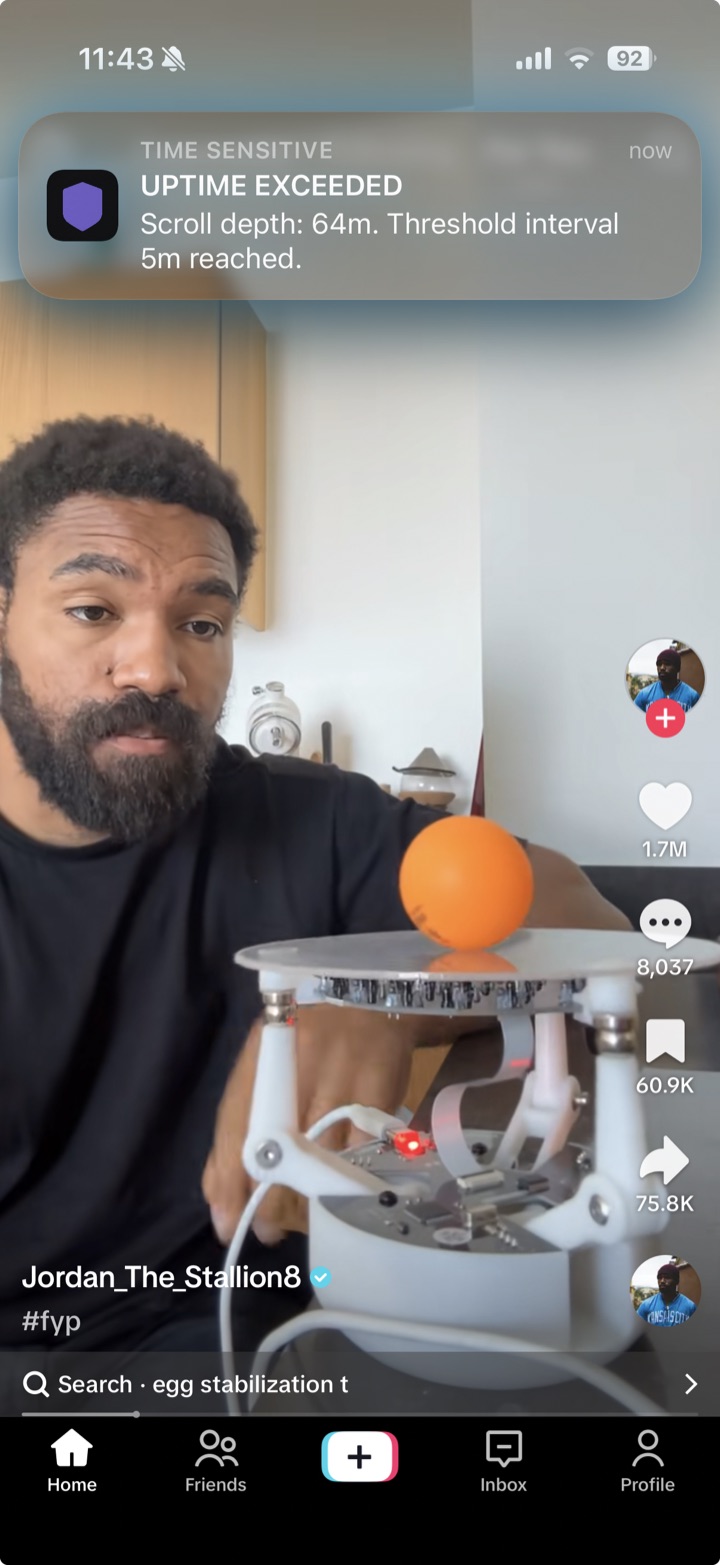
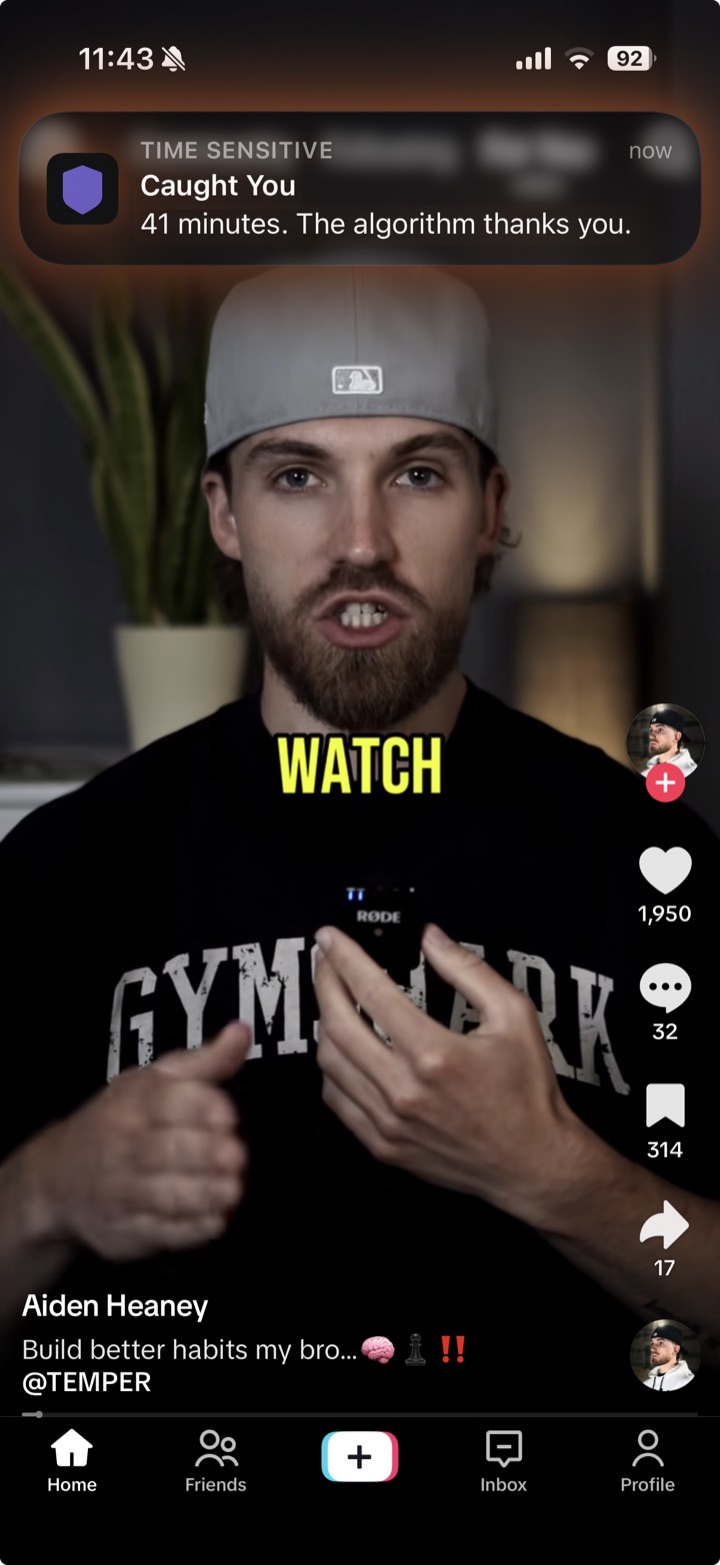
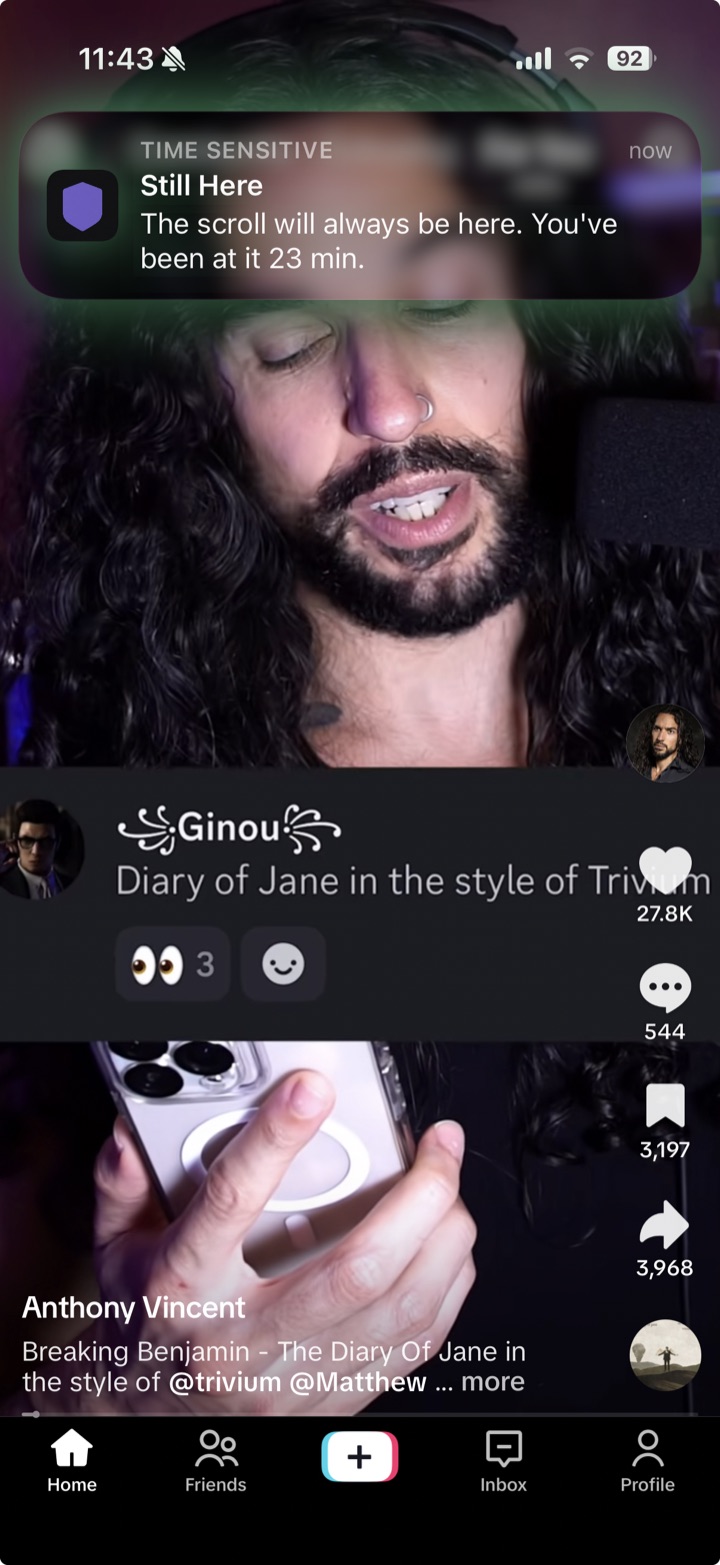
You're not the problem, and TikTok's tools aren't useless, they just stop at the clock. DoomGuard takes the idea its break reminder gestures at, the mid-session nudge, and builds everything around it. The catch with TikTok's version is that it resets the instant you close the app, so flicking out and back in dodges it forever. DoomGuard counts a quick dip as part of the same session, so step away for under ten minutes and the clock holds, and the close-and-reopen trick buys you nothing. It leaves the feed open, never walls it off, and pulls you back to a conscious choice in whichever personality actually gets through to you.
Quick verdict
Use TikTok's tools if
you'll act on a reminder. The break reminder is worth switching on, and the daily limit and passcode are genuinely handy on a teen's account, where the conflict of interest matters less.
Consider DoomGuard if
you close and reopen fast enough that the break reminder never fires, or you clear the daily limit on autopilot. The answer isn't a taller wall, it's something that watches the session you're in rather than the total you've piled up by midnight.